by Acantha Marketing | Aug 30, 2024 | Cybersecurity, Tech Updates
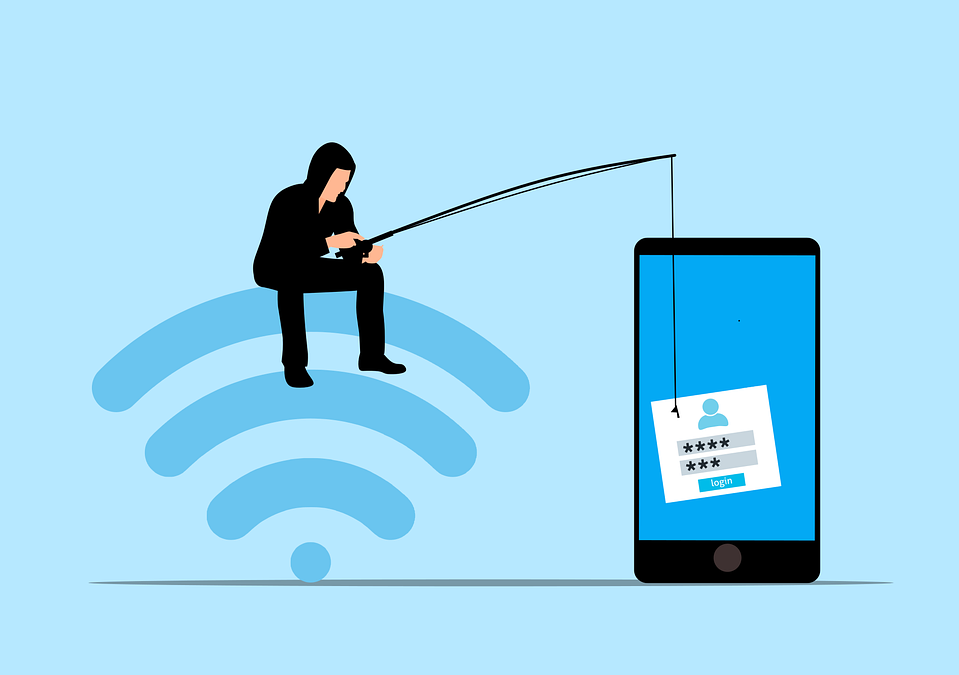
Phishing has always been a threat. Now, with AI, it’s more dangerous than ever. Phishing 2.0 is here. It’s smarter, more convincing, and harder to detect. Understanding this new threat is crucial.
A recent study found a 60% increase in AI-driven phishing attacks. This is a wake-up call that phishing is only getting worse. Here’s how AI is amplifying phishing and what you can do to protect yourself.
The Evolution of Phishing
Phishing began simply. Attackers sent out mass emails. They hoped someone would take the bait. The emails were often crude, using poor grammar and obvious lies were common. Many people could spot them easily.
But things have changed. Attackers now use AI to improve their tactics. AI helps them craft convincing messages. It also helps them target specific individuals. This makes phishing more effective.
How AI Enhances Phishing
Creating Realistic Messages
AI can analyze huge amounts of data. It studies how people write and speak. This helps it create realistic phishing messages. These messages sound like they come from a real person. They mimic the tone and style of legitimate communications. This makes them harder to spot.
Personalized Attacks
AI can gather information from social media and other sources. It uses this information to create personalized messages. These messages mention details about your life. They might reference your job, hobbies, or recent activities. This personalization increases the chances that you’ll believe the message is real.
Spear Phishing
Spear phishing targets specific individuals or organizations. It’s more sophisticated than regular phishing. AI makes spear phishing even more dangerous. It helps attackers research their targets in depth. They can craft highly tailored messages. These messages are hard to distinguish from legitimate ones.
Automated Phishing
AI automates many aspects of phishing. It can send out thousands of phishing messages quickly. It can also adapt messages based on responses. If someone clicks a link but doesn’t enter information, AI can send a follow-up email. This persistence increases the likelihood of success.
Deepfake Technology
Deepfakes use AI to create realistic fake videos and audio. Attackers can use deepfakes in phishing attacks. For example, they might create a video of a CEO asking for sensitive information. This adds a new layer of deception. It makes phishing even more convincing.
The Impact of AI-Enhanced Phishing
Increased Success Rates
AI makes phishing more effective. More people fall for these sophisticated attacks. This leads to more data breaches. Companies lose money. Individuals face identity theft and other issues.
Harder to Detect
Traditional phishing detection methods struggle against AI-enhanced attacks. Spam filters may not catch them. Employees may not recognize them as threats. This makes it easier for attackers to succeed.
Greater Damage
AI-enhanced phishing can cause more damage. Personalized attacks can lead to significant data breaches. Attackers can gain access to sensitive information. They can also disrupt operations. The consequences can be severe.
How to Protect Yourself
Be Skeptical
Always be skeptical of unsolicited messages. Even if they appear to come from a trusted source. Verify the sender’s identity. Don’t click on links or download attachments from unknown sources.
Check for Red Flags
Look for red flags in emails. These might include generic greetings, urgent language, or requests for sensitive information. Be cautious if the email seems too good to be true.
Use Multi-Factor Authentication (MFA)
MFA adds an extra layer of security. Even if an attacker gets your password, they’ll need another form of verification. This makes it harder for them to access your accounts.
Educate Yourself and Others
Education is key. Learn about phishing tactics. Stay informed about the latest threats. Share this knowledge with others. Training can help people recognize and avoid phishing attacks.
Verify Requests for Sensitive Information
Never provide sensitive information via email. If you receive a request, verify it through a separate communication channel. Contact the person directly using a known phone number or email address.
Use Advanced Security Tools
Invest in advanced security tools. Anti-phishing software can help detect and block phishing attempts. Email filters can screen out suspicious messages. Keep your security software up to date.
Report Phishing Attempts
Report phishing attempts to your IT team or email provider. This helps them improve their security measures. It also helps protect others from similar attacks.
Enable Email Authentication Protocols
Email authentication protocols like SPF, DKIM, and DMARC help protect against email spoofing. Ensure these protocols are enabled for your domain. This adds an extra layer of security to your emails.
Regular Security Audits
Conduct regular security audits. This helps identify vulnerabilities in your systems. Addressing these vulnerabilities can prevent phishing attacks.
Need Help with Safeguards Against Phishing 2.0?
Phishing 2.0 is a serious threat. AI amplifies the danger, making attacks more convincing and harder to detect. Have you had an email security review lately? Maybe it’s time.
Contact us today to schedule a chat about phishing safety.
—
Featured Image Credit
This Article has been Republished with Permission from The Technology Press.
by Richard Corlett | Aug 29, 2024 | Tech Updates
If you’re like most people, you probably find system updates a hassle. They take ages and those big downloads eat up precious bandwidth and storage.
Good news then: Microsoft is about to make your life a whole lot easier with the upcoming Windows 11 24H2 update.
It’s introducing something called ‘checkpoint cumulative updates.’ That might sound a bit technical, but don’t worry – it’s simple and very beneficial.
Normally, Windows gets its updates every month. These are known as cumulative updates, which bundle all the latest fixes and enhancements together. These bundles can be large and take a while to download and install.
The new checkpoint cumulative updates change this process. Instead of downloading a big update every time, your system will now receive smaller updates more frequently. These are tweaks to the last major update or checkpoint.
So, what does this mean for your business? It’s great news… you’ll spend less time waiting for updates to finish so you can get back to work.
And, if you have a limited internet connection, smaller updates are a blessing. They use less bandwidth, so less chance of interrupting someone else’s video call.
The best part? All of this happens automatically through Windows Update. You don’t need to do anything differently. Your system will keep running smoothly, with most updates happening in the background. This seamless experience ensures that your work is not interrupted.
This isn’t the first time Microsoft has streamlined updates. When Windows 11 was first launched, Microsoft used new compression technology to reduce the size of updates by 40%. With the 24H2 update, they’re taking it a step further to ensure that your experience is even more efficient.
It’s also worth noting that while this new update system will be standard for Windows 11 and the upcoming Windows Server 2025, it’s less likely to be implemented for Windows 10, as that version is nearing its end of life. This means there’s even more incentive to upgrade your business to Windows 11 if you haven’t already.
Want to migrate to Windows 11 with zero hassle? We’re the people to talk to.
by Acantha Marketing | Aug 25, 2024 | New Technology, Tech Updates
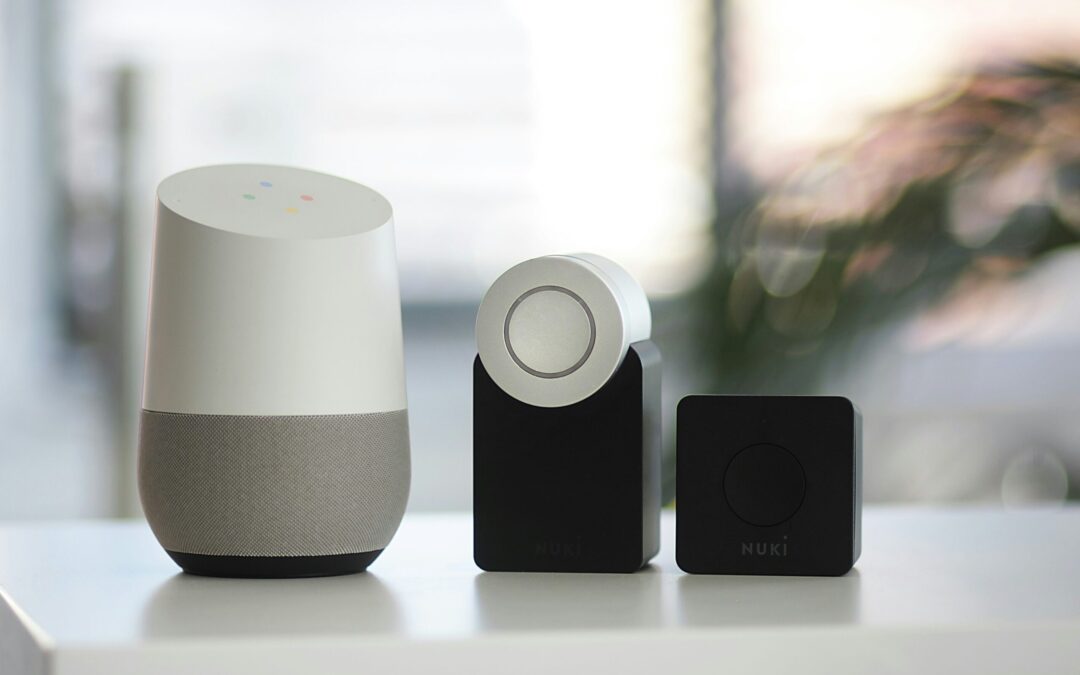
Is your smart home turning into a smart mess? Do your smart office devices speak different languages? You’re not alone. The current smart home and office technology landscape is riddled with incompatibility issues. This forces you to juggle several apps and deal with frustrating setup processes.
Smart home adoption is skyrocketing. Experts expect household penetration to be 18.9% in 2024. By 2028, that number nearly doubles to 33.2%. But these devices are not only becoming home standards. Smart speakers, sensors, and more are increasingly in use by businesses.
But fear not, there’s a light at the end of the tunnel. A new standard called Matter is here to unify the smart tech world. As a homeowner or business owner invested in smart technology, “Matter” matters. Let’s break down what this means for you.
The Smart Home Struggle is Real: A Tower of Babel
Imagine this: you buy a fancy new smart lock. Then you discover it doesn’t work with your existing smart light bulbs. Or you try to create automated routines in your office. But your devices can’t seem to communicate with each other. This is the reality for many smart home and office owners today.
The culprit? A lack of a universal standard. Different brands use different protocols, creating a fragmented mess. There’s Alexa, Google Assistant, Siri, and others – each with its pros and cons. But not exactly working seamlessly together.
This translates to:
- Limited Functionality: Your devices might not work together as planned. This can hinder the potential for true automation.
- Setup Headaches: Connecting and configuring a multi-brand smart system can be complex. You may end up with a time-consuming nightmare.
- App Overload: Juggling several apps for different devices is a recipe for frustration.
Matter to the Rescue: The Unifying Force
Matter is a standardized language for smart devices. It was developed by a group of leading tech companies in the smart home space. This standard helps ensure smart devices can all communicate, regardless of brand.
Here’s how Matter benefits you.
Goodbye, Compatibility Issues
Matter-certified devices will work together flawlessly. This means your smart lights will finally talk to your smart lock. Your office thermostat can play nice with your security system.
Hello, Easy Setup
Setting up new devices becomes a breeze. No more deciphering complex protocols or struggling with different apps.
Peace of Mind with Security
Matter prioritizes strong encryption and device authentication. This keeps your smart home or office safe from potential security threats. This is an important consideration when choosing smart home tech. Not all manufacturers place security first. Just looking for “Matter-certified” on a label makes it easier to choose wisely.
Future-Proof Technology
Matter is designed to adapt and evolve. This ensures compatibility with new devices and technologies as they emerge. You don’t find your tech “aging out” of an entire smart hub system.
What Matter Means for Your Smart Space
As Matter adoption increases, you can expect:
- More Choices: A wider range of Matter-certified devices will hit the market. This allows you to pick the best options for your needs. And not have to worry about brand compatibility.
- Simplified Management: Imagine controlling your smart home or office from a single app. Matter makes this dream a reality.
- Enhanced Security: Robust security features built into Matter provide peace of mind. You can have confidence your connected space is protected.
Embrace the Future of Smart: How to Get Ready for Matter
The Matter revolution is underway, but it’s still early days. Here’s how you can prepare:
- Stay Informed: Keep an eye out for Matter updates and announcements. This can help you learn which devices are becoming Matter-certified.
- Invest Wisely: Consider opting for Matter-certified devices when replacing existing ones. Or when adding new features to your smart space.
- Be Open to Change: Prepare to embrace Matter-based solutions. Especially as Matter becomes more widespread. This helps you build a more unified and convenient smart home or office experience.
Matter is a game-changer for smart technology users. It paves the way for a more intuitive and user-friendly experience. This allows you to focus on the real benefits of smart tech. These include convenience, efficiency, and comfort.
So, ditch the app overload and say goodbye to compatibility woes. Unified is the future of smart homes and offices, and Matter is leading the charge!
Improve Your Smart Home/Office Setup & Security!
Is your smart home or office giving you what you need? Is it letting hackers into your network without your knowledge?
Get some relief! Our smart tech experts can help you with a unified setup. We can also ensure that your devices and network are fully secured.
Contact us today to schedule a chat.
—
Featured Image Credit
This Article has been Republished with Permission from The Technology Press.

by Richard Corlett | Aug 22, 2024 | Tech Updates
There’s an exciting new feature coming to Microsoft’s Edge browser that’s going to make your life – and your employees’ lives – a whole lot easier. ‘Draft with Copilot’ is an AI-powered tool that can instantly write text on any topic you need.
When you’re in Edge and you find yourself staring at an empty text field (like the body of an email or a comment box), just right-click. You’ll see an option to ‘Draft with Copilot.’
Click on it, and a window will pop up. You just enter the subject or topic you need text for, hit ‘Generate,’ and watch Copilot do its thing. In a few moments, you’ll have a piece of text on the topic you specified.
You can then change the tone and length of the generated text to suit your style. Want it to be more formal or casual? Need it longer or shorter? No problem.
We all know time is money, ’Draft with Copilot’ can help save you both. Imagine how much time your team spend on writing everyday text. With Copilot, drafting a quick email or coming up with a social media update becomes easier.
And Copilot not only helps you write faster but also makes sure the text is grammatically correct and well-structured. This is especially helpful if you’re writing in a language that’s not your native one.
Right now, this feature is only available in US English, but Microsoft is working on expanding it to more languages.
One warning: It’s important to review what it produces. Critics of AI-generated text sometimes say it can feel a bit generic. You might want to add a personal touch or specific details to make it more engaging for your audience.
This feature is currently in the Edge Canary preview build, which means it’s still being fine-tuned.
Microsoft is steadily integrating Copilot into more Windows apps, making these AI tools more accessible and versatile across different platforms. It’s clear that the future holds even more convenient AI-assisted features that will make our digital lives easier.
Not tried Copilot in your business yet? We can help you get started. Get in touch.

by Acantha Marketing | Aug 20, 2024 | Cybersecurity, Tech Updates
The rise of remote work has redefined the modern workplace. Gone are the days of rigid office schedules and commutes. But with this flexibility comes a new set of challenges – cybersecurity threats. Remote work environments often introduce vulnerabilities to your organization’s data and systems.
73% of executives believe that remote work increases security risk.
But this doesn’t mean you can’t mitigate that risk. Below, we’ll equip you with essential security practices for remote teams. You’ll learn how to keep company data safe and secure, no matter your location.
1. Securing Home Networks
Strong Wi-Fi Encryption
Ensure that your Wi-Fi is encrypted with the latest security protocols, such as WPA3. This is a foundational step in securing a home network. This prevents unauthorized users from accessing your network and intercepting data.
Changing Default Router Settings
Many routers come with default usernames and passwords. These are well-known to cyber criminals. Change these to unique, strong credentials. This helps prevent unauthorized access to your network.
Regular Firmware Updates
Routers, like any other digital device, need updates to patch security vulnerabilities. Make sure to check for and install firmware updates from the manufacturer. This helps to keep your router secure.
2. Use Strong, Unique Passwords
Password Managers
Remote workers use several accounts and services to access their work. This means managing passwords can be a daunting task. Password managers can generate, store, and autofill complex passwords. This helps ensure that each account has a unique and strong password.
Multi-Factor Authentication (MFA)
Installing MFA adds an extra layer of security. Even if a hacker compromises a password, MFA requires a second form of verification. This is usually a text message code or app authentication. This second step makes it much harder for attackers to breach accounts.
3. Protecting Devices
Antivirus/Anti-Malware Software
Ensure that all devices used for work purposes have up-to-date anti-malware software installed. These tools can detect and neutralize threats before they cause significant damage.
Regular Software Updates
Outdated software can have vulnerabilities that are exploited by cybercriminals. To stay protected against the latest threats, enable automatic updates for your:
- Operating system
- Applications
- Security software
Encrypted Storage
Use encrypted storage for sensitive data. This ensures that even if a device is lost or stolen, the data remains inaccessible to hackers. You can use both built-in options and third-party solutions.
4. Secure Communication Channels
Virtual Private Networks (VPNs)
A VPN encrypts your internet traffic. This makes it difficult for attackers to intercept and access your data. Using a reputable VPN service is crucial. Especially when accessing company resources over public or unsecured networks.
Encrypted Messaging and Email
Use encrypted communication tools. These protect the content of your messages and emails. When choosing messaging and email services, ask about encryption. This can ensure that your communications remain private and secure.
5. Safe Browsing Practices
Browser Security
Ensure that your web browser is up-to-date and configured for security. This includes:
- Enabling features such as pop-up blockers
- Disabling third-party cookies
- Using secure (HTTPS) connections whenever possible
Avoiding Phishing Attacks
Phishing attacks are a common threat to remote workers. Be vigilant about unsolicited emails or messages asking for sensitive information. Verify the sender’s identity before clicking on links or downloading attachments. Report suspicious communications to your IT department. This helps others on your team avoid the same emails.
Use of Ad Blockers
Ad blockers can prevent malicious ads from displaying on your browser. These often contain malware or phishing links. This adds an extra layer of security while browsing the web.
6. Educating and Training
Regular Security Training
Continuous education on the latest security practices and threats is essential. This includes phishing simulations and best practices for device and data security. Teams should also be aware of any new security protocols.
Incident Response Plan
Put a clear incident response plan in place. This ensures that all employees know what steps to take in the event of a security breach. This should include:
- Reporting procedures
- Mitigation steps
- Contact information for the IT support team
7. Personal Responsibility and Vigilance
Personal Device Hygiene
Employees should maintain good digital hygiene on their personal devices. This includes regular backups and secure configurations. They should also separate personal and professional activities where possible.
Being Aware of Social Engineering
Social engineering attacks exploit emotions to gain access to systems and data. Being aware of common tactics, such as pretexting and baiting. Maintaining a healthy skepticism can prevent falling victim to these attacks.
Need Help Improving Remote Work Cybersecurity?
The transition to remote work has brought about significant changes. You need to evolve how you approach digital security. As cyber threats continue to grow, so too must security practices.
Do you need some help? Our experts can help ensure that you are well-equipped to handle remote work securely.
Contact us today to schedule a chat about your cybersecurity.
—
Featured Image Credit
This Article has been Republished with Permission from The Technology Press.