by Acantha Marketing | Aug 31, 2026 | Tech Updates
Cyber criminals arguing with each other sounds like good news.
One group targeting another.
Threats flying back and forth.
Even promises to “help” victims caught in the middle.
It almost feels like justice.
But here’s the reality: There’s only one thing you can rely on cyber criminals for… and that’s looking after themselves.
Recently, one ransomware group started threatening another.
They claimed they would expose identities, leak data, and even offered to help victims unlock their files.
At first glance, that might sound like an opportunity. If you’ve been hit by an attack, and someone claims they can fix it, it’s tempting to consider it.
But this is where things get dangerous.
These groups aren’t operating with any sense of fairness or responsibility.
They’re not trying to do the right thing. They’re trying to gain leverage, create pressure, and ultimately make money.
Even when they turn on each other, the motivation doesn’t change. It’s still about control and profit.
In this particular case, one group claimed they could help victims recover their data.
The problem is, there’s no proof they can.
And even if they could, you’re still dealing with a criminal organisation that has no obligation to follow through on anything it promises.
It’s like being caught between two scammers and hoping one of them is the “honest” one.
That’s not a position you want your business to be in.
This situation highlights something important: When a cyber attack happens, your options should never include trusting another attacker.
It doesn’t matter how convincing the offer sounds or how desperate the situation feels. Relying on criminals introduces even more risk.
The only reliable path is through proper security measures and trusted support.
That means having the right protections in place before anything happens.
Backups that are tested and accessible.
Monitoring that helps you spot unusual activity early.
A clear plan for how to respond if something goes wrong.
And if the worst does happen, it means working with people whose job is to defend your business, not exploit it.
Cyber attacks mean making decisions under pressure. And the decisions you make in those moments can either limit the damage… or make things much worse.
If you’re not completely confident in how your business would respond to an attack, it’s time to create a strategy. If you’d like help with that, get in touch.

by Acantha Marketing | Aug 31, 2026 | Tech Updates
There are always parts of the environment that you know could be better.
No immediate issues, but areas where the setup reflects how things looked at the time instead of how they look now.
That might be a configuration that hasn’t been revisited, a workaround that gradually became part of the process, or a system that still works but isn’t quite where you’d want it to be if you were starting again.
You’ll know where those areas are.
They’re usually the result of sensible decisions made under time pressure.
Something needed to move forward, and the quickest way to do that was to take a path that could be improved later.
At the time, that works.
The environment keeps moving, the business gets what it needs, and nothing is held up.
But you know that those decisions don’t always get revisited.
The work that would tidy things up, simplify them, or bring them back in line tends to go to the back of the list, behind everything else that needs attention.
As that list grows, you start to notice it in how the environment behaves.
Planning changes can take longer than expected, dependencies aren’t always as clear as you’d like them to be, and certain areas draw more attention simply because they’ve grown around earlier decisions.
It all adds weight to your role.
A lot of thought is needed to work through something that would otherwise be straightforward.
Managing that means you need to create the space to deal with it in a steady way, so those areas don’t continue to build up.
Here’s where co-managed support can help.
It can help free up time to work through those improvements. And you can feel confident that everything else is being taken care of.
Those improvements can finally move forward, rather than staying at the bottom of your list.
And when that happens, your environment becomes easier to work with, because it reflects how you want it to operate today. Not how it needed to operate months or even years ago.
If that sounds like something you’d like to explore, let’s talk. Get in touch.
by Acantha Marketing | Aug 24, 2026 | Tech Updates
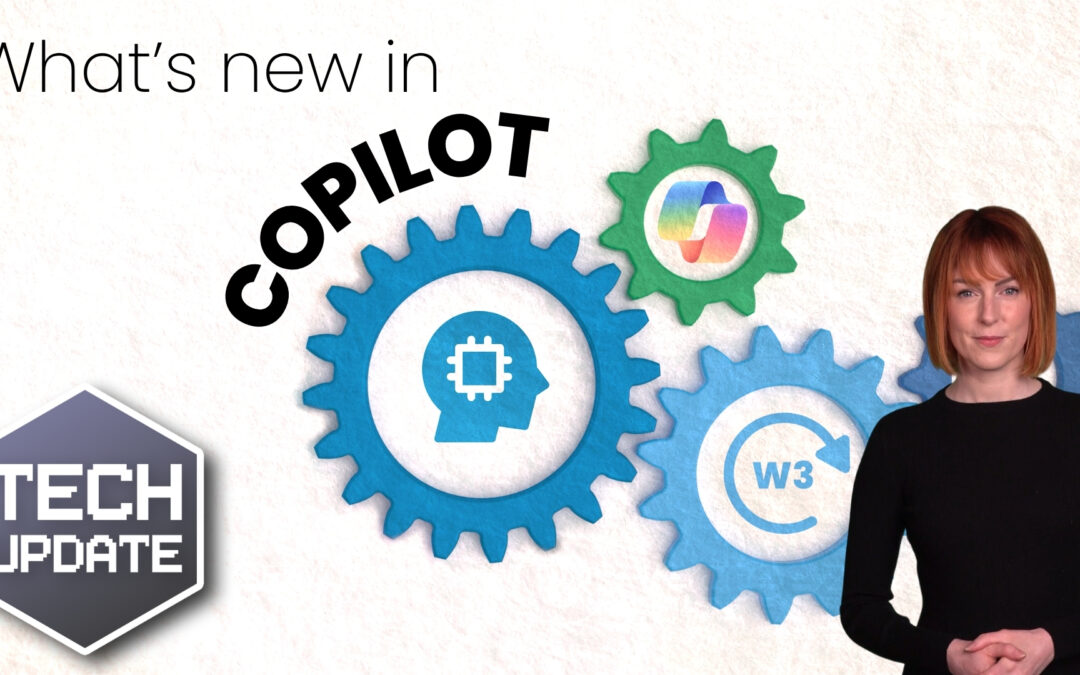
If you use Microsoft 365 every day, you’ve probably noticed that Copilot hasn’t stood still.
It’s been evolving in the background, gradually becoming more embedded in the way Word, Excel, Outlook and the rest of your tools work.
Microsoft tends to roll these changes out in “waves”, which is their way of grouping together bigger updates rather than releasing everything at once.
We’re now into the latest phase… and this one feels a little different.
Earlier versions of Microsoft Copilot were mostly about helping you. Drafting emails, summarising documents, creating presentations.
Useful, time-saving features that still relied on you to guide every step.
Now, the focus is shifting.
Instead of just helping with tasks, Copilot is starting to take on more responsibility within workflows.
One of the biggest changes is the ability to create your own AI agents inside Microsoft 365.
In simple terms, that means you can build small, task-focused assistants that handle specific parts of your day.
Think of something that can manage repetitive processes, follow a set of rules, and carry out actions without needing constant input.
That opens up some interesting possibilities.
You could have an agent helping with routine admin, keeping documents organised, or supporting internal processes.
Alongside that, Copilot’s chat experience has become more capable.
You can now make changes to documents, emails, spreadsheets and presentations directly from a conversation, without jumping between different screens.
There’s also a new layer being introduced called “Work IQ”. That’s Microsoft’s way of helping Copilot understand your business context better.
It uses your business’s data, communication patterns and internal content to make responses more relevant to how your team works.
In theory, that means less generic output and more tailored support.
Microsoft is also expanding the underlying AI models Copilot can use, bringing in technology from different providers.
You don’t need to worry about the technical side of that, but it does mean the system should become more flexible and capable over time.
Looking slightly ahead, there’s another feature worth keeping an eye on. Something called “Copilot coworker”, which is currently being tested.
This takes the idea of AI agents further, allowing them to carry out longer, multi-step processes rather than just responding to a single request.
So instead of asking for help with one task, you could assign something more involved and let it run.
To support all of this, Microsoft is also introducing tools to help businesses manage these agents properly.
That includes visibility over what they’re doing, how they’re being used, and how they fit into your wider systems.
Which is important, because as Copilot becomes more powerful, it needs to be properly controlled.
If you’d like help understanding how to use these changes safely and effectively, get in touch.

by Acantha Marketing | Aug 24, 2026 | Tech Updates
There’s a point where the help desk starts to feel different.
Tickets are being picked up, users are getting support, and the team is doing what it needs to do.
But the pace changes.
Volume increases and interruptions become more frequent. It takes more effort to keep everything moving steadily.
The day starts to feel more reactive, with less room to get ahead of things.
You’ll recognise the pattern.
A few extra requests come in, or something takes longer than expected. Before long, the queue feels more overwhelming, and you’re working harder to keep up.
The workload doesn’t arrive evenly. Some days are manageable, others come in waves, and it’s those peaks that shape how the service feels.
From your perspective, that has a wider impact.
When the help desk is under pressure, it pulls attention away from everything else. Projects slow down and decisions get delayed.
You end up stepping in more often than you’d like to keep things moving.
Scaling starts to feel more relevant.
Adding another person can help, but it doesn’t always line up with how the workload behaves.
The peaks still happen, and the time it takes to bring someone fully up to speed means the pressure doesn’t ease straight away.
So, instead of looking only at headcount, it becomes about how the help desk is supported when demand changes.
That’s where co-managed support can make a real difference.
It gives you the flexibility to absorb those peaks without everything backing up.
Additional support can step in alongside your team when volume increases, helping keep response times steady and preventing the knock-on effect across the rest of your workload.
It also brings more consistency.
Tickets are handled in a structured way, follow-through improves, and the service feels more predictable for users, without your team needing to stretch to cover everything.
You’re no longer relying on a fixed level of capacity to handle a variable workload.
When that balance is right, the help desk becomes easier to manage, because it isn’t constantly reacting as pressure builds.
If you’d like to stop the help desk demand dictating what the rest of your day looks like, let’s talk. Get in touch.

by Acantha Marketing | Aug 17, 2026 | Tech Updates
You’ve seen them hundreds of times.
“Click here to prove you’re not a robot.”
It’s one of those things you don’t really think about.
You tick a box, maybe select a few images, and move on with your day.
That’s why this new scam works.
There’s a growing number of fake CAPTCHA pages designed to trick people into doing something slightly unusual… but not unusual enough to raise alarm bells in the moment.
Instead of clicking a box or selecting images, the page asks you to confirm you’re human by sending a text message.
That might already feel a bit odd, but the way it’s presented makes it seem like part of a normal verification process.
You tap the button, your phone opens a message that’s already written, and all you need to do is press send.
Simple.
Except behind the scenes, that single action can trigger multiple texts to international numbers.
In some cases, dozens of them.
Each one adds a small charge to your bill, and because those charges don’t show up immediately, the connection isn’t obvious.
A few weeks later, the bill arrives… and by then, you’ve probably forgotten all about the “verification” you completed.
That delay is what makes this scam particularly effective.
There’s another layer to it as well.
Some of these fake CAPTCHA pages don’t appear out of nowhere. You can be redirected to them through compromised websites or advertising networks.
You click something that looks legitimate, land on a page that feels familiar, and follow the instructions without thinking too deeply about it.
In some cases, even the browser behaves in a way that nudges you forward, making it harder to simply go back or exit.
This one doesn’t rely on technical knowledge; it relies on habit.
Your team is used to seeing CAPTCHAs. They expect and trust them.
And when something looks routine, people move quickly.
But remember this: CAPTCHAs should never ask you to send a text message.
If you ever see that, stop. Close the page and don’t interact with it further.
And remind your team of this, especially as more of these scams start to appear.
A lesson in awareness can save a lot of confusion (and unexpected charges) later.
If you’d like help making sure your team knows what to look out for (and what to avoid), let’s talk. Get in touch.