by Acantha Marketing | Oct 12, 2026 | Tech Updates
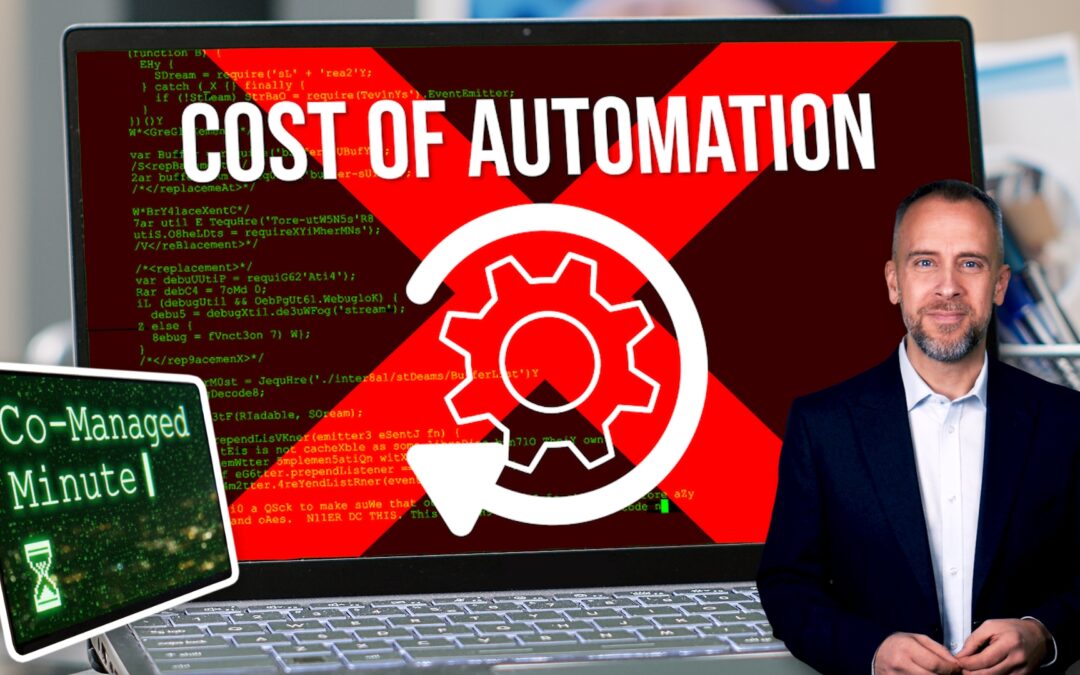
For years, automation in IT largely meant scripts.
You wrote something to remove a repetitive task, save a few minutes or eliminate the risk of human error.
A good script became part of the environment and did its job in the background.
That still happens, of course.
But the scale of what businesses now expect automation to do has changed.
Requests that once involved individual tasks are becoming requests to automate entire processes.
A manager wants a new starter provisioned automatically.
Finance wants data pulled from multiple systems into a single report.
HR wants approval workflows.
Operations wants notifications, integrations and exception handling built into existing processes.
And these requests arrive alongside everything else.
The service desk still needs support, security reviews still need completing, infrastructure still requires attention, and your existing projects continue moving through the pipeline.
Meanwhile, automation opportunities appear almost everywhere.
Building the automation is usually the straightforward part.
Understanding the process can take considerably longer.
I’ve seen automation projects spend weeks uncovering undocumented workarounds, conflicting requirements and exceptions that nobody realised existed until somebody tried to automate them.
A process that looked simple on a whiteboard suddenly involves six departments, three applications and a collection of manual steps that have evolved over several years.
The technical work becomes only one part of the exercise.
Somebody has to engage stakeholders, document requirements, test outcomes, manage changes and support the finished solution once people start relying on it.
Those responsibilities typically fall to you.
There’s also a growing expectation that one automated process should lead to another.
Departments start identifying additional opportunities.
Business leaders see productivity gains and ask where else similar improvements might be possible.
Before long, automation becomes another ongoing programme rather than a one-off project.
That’s where resource constraints become difficult.
The business sees a clear return from automation initiatives and wants more of them.
But you still have responsibility for security, resilience, governance, budgeting and operational delivery.
This is one reason co-managed support is becoming part of the discussion for many internal IT teams.
IT directors need enough operational capacity to keep driving improvements while continuing to support everything the business already depends on.
As automation is becoming part of how organisations operate, somebody still needs the time, expertise and bandwidth to make sure those automated processes are secure, reliable and aligned with the wider goals of the business.
If you’re finding that the demand for automation is growing faster than your team’s available capacity, we can help. Get in touch.
by Acantha Marketing | Oct 12, 2026 | Tech Updates
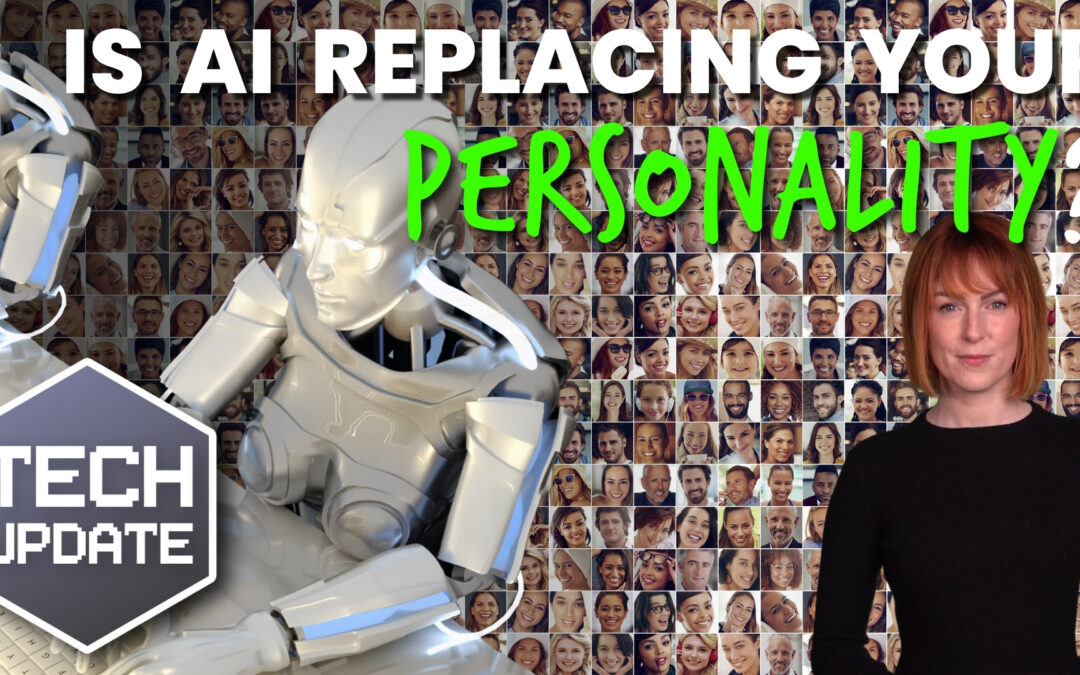
AI is quickly becoming part of everyday business.
A couple of years ago, most conversations were about whether businesses should use it.
Now the discussion is about where it can save time.
Writing emails… creating marketing content… summarising meetings… helping with customer enquiries. There are genuine benefits.
The problem starts when efficiency becomes the only goal.
Recently, I was looking at a few websites while researching something completely unrelated.
After a while, they all started to feel similar.
The wording was polished, the information was correct, everything looked professional. But nothing stood out.
You could swap the company names around and the pages would still read almost the same.
That’s one of the risks businesses face as AI becomes more common.
The technology is good at producing content that sounds professional. It’s good at creating something that’s clear, organised, and grammatically correct.
But it doesn’t have personality. That still comes from people.
Think about the businesses you like dealing with.
Perhaps it’s a company that writes friendly emails.
Maybe it’s a business owner who shares useful advice online.
It could even be a member of staff who makes customers feel welcome every time they call.
Those human touches are the reason people remember a business in the first place.
AI can help create the draft, structure ideas and speed up the writing process. But it struggles to replicate genuine experience, humour and empathy.
Customers notice.
People choose a supplier because they trust the business, feel understood, or connect with the way the company communicates.
That’s especially important for small and medium sized businesses.
Larger organisations often compete on scale, pricing, or convenience. Smaller businesses win because of relationships, expertise, and personal service.
This applies to customer service as well.
AI can answer straightforward questions effectively. It can help outside office hours and reduce waiting times.
Customers appreciate that when they’re looking for a quick answer.
But the moment somebody has a problem, needs reassurance, or wants advice tailored to their situation, they’re looking for a person.
It helps to treat AI as an assistant rather than a replacement.
Use it to remove repetitive work and speed up routine tasks, while keeping the human parts of the business firmly human.
You gain the efficiency benefits without losing the personality that makes your business different from everyone else.
AI is a useful tool for almost every business, but make sure your customers still feel like they’re dealing with people.
If you need to find the balance between automation and personal service, we’d be happy to help. Get in touch.
by Acantha Marketing | Oct 5, 2026 | Tech Updates
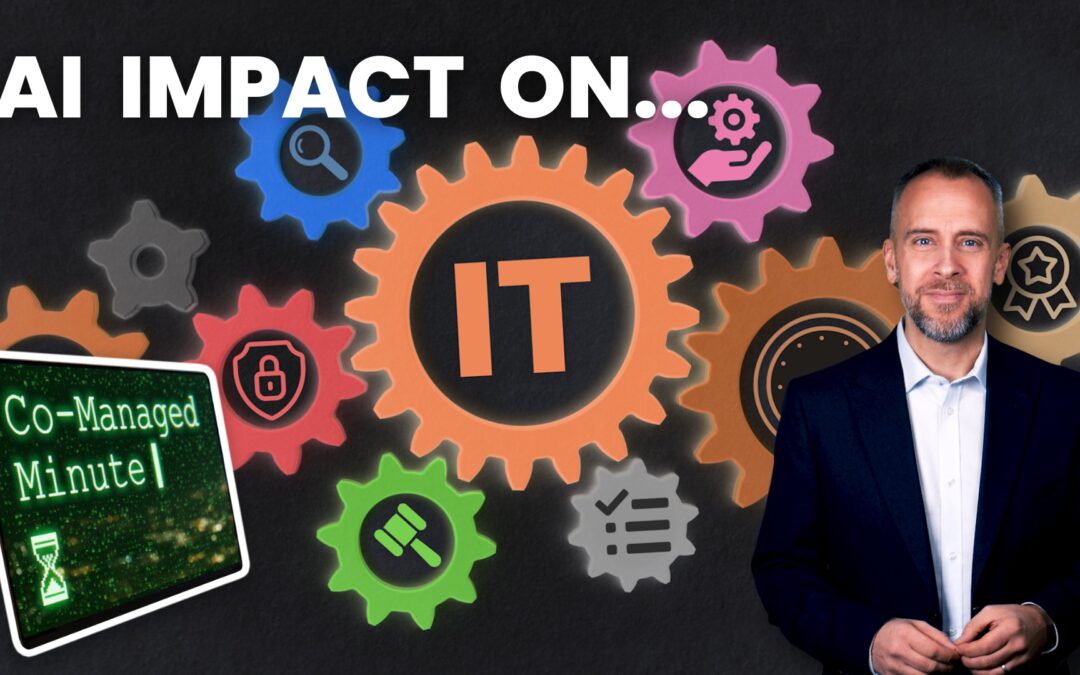
AI found its way into day-to-day IT operations quickly.
A year or two ago, most discussions were about experimentation.
Teams were testing tools, evaluating use cases and trying to work out where AI might provide value.
Now it’s appearing in operational workflows.
Documentation can be generated in minutes and incident summaries arrive automatically. Log analysis can be accelerated and scripting support is available on demand.
Knowledge articles can be drafted before a technician has finished their first coffee.
The question I hear frequently is what happens after those tools become part of the environment.
Because every new capability creates new expectations.
If AI can help produce documentation faster, the business expects documentation standards to improve.
If AI can assist with troubleshooting, people expect incidents to be resolved more quickly.
If reporting becomes easier to produce, stakeholders ask for more reporting.
The benchmark changes.
That’s where I think the operational impact becomes interesting.
For an IT director, AI’s arriving alongside security initiatives, infrastructure upgrades, application support, compliance requirements, budgeting cycles and whatever issue landed in your inbox five minutes ago.
Somebody still has to evaluate the tools.
Somebody has to decide which platforms are approved, where data can be used, what controls need to be applied and how outputs should be reviewed.
Those responsibilities usually land with you.
AI also creates a new layer of governance work that wasn’t there before.
A user finding an interesting AI tool online is now as common as somebody signing up for a new SaaS application.
Before long, questions start appearing around data handling, security reviews, licensing, integration requirements and support expectations.
Once the tool becomes business-critical, IT inherits responsibility whether they selected the platform or not.
The volume of decisions increases, even when budgets and headcount remain unchanged.
At the same time, operational teams are finding legitimate value in these tools.
I’ve spoken with IT directors who are using AI to accelerate scripting work, improve documentation quality and reduce time spent on repetitive administrative tasks.
The productivity gains are real.
Yet those same teams still need to maintain standards around change management, security and service quality.
An AI-generated PowerShell script still needs review before it reaches production.
An automatically generated incident summary still needs somebody to confirm that the conclusions are accurate.
A recommendation engine can highlight patterns in monitoring data, but somebody must decide whether the recommendation makes sense within the wider environment.
That review process becomes part of the workload.
This is one reason capacity has become such a common topic among IT directors.
AI clearly saves time.
The issue is that the time saved often gets absorbed by new responsibilities.
Governance becomes more important, expectations increase, adoption accelerates.
And the business wants guidance.
Meanwhile, the service desk still needs support, projects still need delivering and users still expect technology to work.
That’s where co-managed support can fit naturally.
It gives you additional capacity around operational delivery, project work or day-to-day support.
It gives you more room to focus on the decisions that need context, judgement and knowledge of the business.
AI may well reduce effort in certain areas of IT operations, but it isn’t reducing the number of things IT departments are responsible for.
If you’re looking at the next few years and wondering how you’re going to keep pace with everything being asked of you, get in touch.

by Acantha Marketing | Oct 5, 2026 | Tech Updates
A conversation I’m having more often with business owners goes something like this: “We don’t really use AI yet.”
A few questions later, it turns out somebody is using ChatGPT to help write emails.
Someone else is summarising meeting notes with an AI tool.
Another person has found a browser extension that helps them create content faster.
The business may not have formally adopted AI, but AI has arrived anyway.
That’s not surprising.
When people find a tool that helps them get through their work more quickly, they’re going to be curious about it. If it saves time, they’ll keep using it.
The difficulty comes when nobody has stopped to agree where the boundaries are.
Imagine a member of your team receives a long customer email and pastes it into a public AI tool to help draft a reply.
The response comes back in seconds and saves them fifteen minutes of work.
Tomorrow they do it again.
A week later they upload a proposal because they want a summary.
A month later somebody else is using a different AI tool to analyse a spreadsheet.
At no point does anybody feel they’re doing something risky. They’re trying to work more efficiently.
Yet customer information, financial data, internal documents, and business plans can end up being shared with systems that haven’t been reviewed or approved by the business.
That can happen without any bad intentions.
I’ve also noticed that AI spreads differently from other technologies.
A new accounting package usually goes through a buying process. A new CRM gets discussed before it arrives. But AI tools are discovered by individuals during the working day and adopted immediately.
By the time a business starts thinking about an AI policy, people may already have their favourite tools and workflows.
That creates an awkward situation.
If somebody believes a tool is helping them do their job better, they may not understand why they’re being told not to use it.
Quite often, they feel they’re solving a problem rather than creating one.
So, to get the most value from AI, have open conversations about it.
Make sure your team all understand which tools are being used, where information is going, and what data should never be shared outside approved systems.
That gives people enough freedom to benefit from the technology without accidentally creating risks for the business.
If you’ve never asked your team which AI tools they’re using, the answers might surprise you.
It’s a good place to start.
If you’d like help reviewing how AI is being used across your business, and making sure it’s helping rather than creating risk, get in touch.