Merry Christmas! With the holiday season in full swing, you should be enjoying some well-deserved downtime. But what if I told you that you could make the most of your few days off from your business and prepare to seize the AI opportunity in 2024?
The world of AI is booming, rapidly transforming industries, and redefining how we do business. In fact, according to PwC, AI could contribute up to £12 trillion to the global economy by 2030.
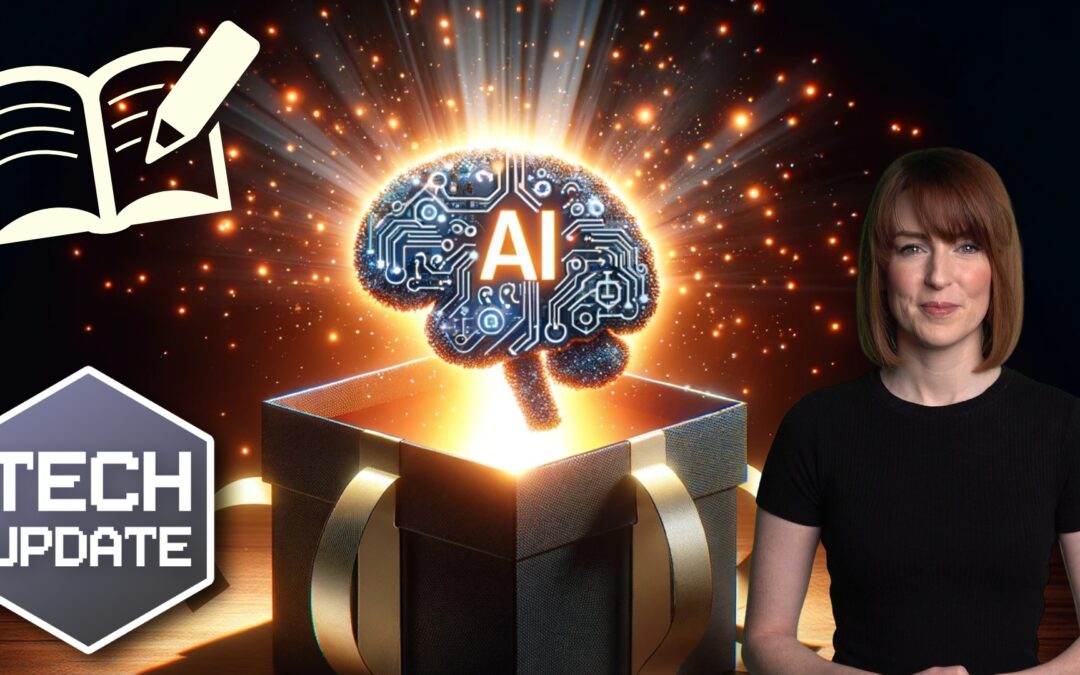
Microsoft has released five free courses on AI that you can take advantage of during your time off.
An Introduction to Artificial Intelligence
Let’s begin with the basics. This course helps you grasp the key concepts in AI. It’s designed for anyone and everyone, regardless of their technical background. By the end of this course, you’ll have a solid understanding of what AI is and how it can benefit your business.
Once you’re comfortable with the basics, dive into the world of generative AI. This course covers the fundamentals, including what it is, how it works, different models, and future predictions and implications. You’ll learn how generative AI can be used to create new content and ideas, opening exciting possibilities for innovation and creativity in your business.
Generative AI: The Evolution of Thoughtful Online Search
This course takes a deeper look at the core concepts of generative AI-driven reasoning engines and how they differ from traditional search engine strategies. With a better understanding of these concepts, you’ll be able to leverage the power of AI to improve your online search capabilities, making your business more efficient and effective.
Chatbots are revolutionising the way businesses interact with their customers. This course helps you discover the power of chatbots and how to use them effectively. Learn how to streamline your customer service, automate routine tasks, and provide a better user experience with the help of AI-powered chatbots.
Finally, this course addresses one of the most pressing issues in AI – ethics. As AI continues to permeate every aspect of our lives, it’s crucial that we consider the ethical implications of using these tools and products. This course will guide you on how to navigate these complex ethical issues, ensuring that your use of AI aligns with your values and principles.
Make the most of these free courses to help you stay ahead of the curve, enhance efficiency, build trust with your customers, and unlock new opportunities.
I know you want to kick back and relax for the next few days, and you should! But when you hit that no-man’s land between Christmas and New Year and you start to forget what day it is, this is a great investment of your time.
If you use Google Chrome, you’ll love this. Google has just rolled out a game-changing update that’s going to make your browser more powerful than ever.
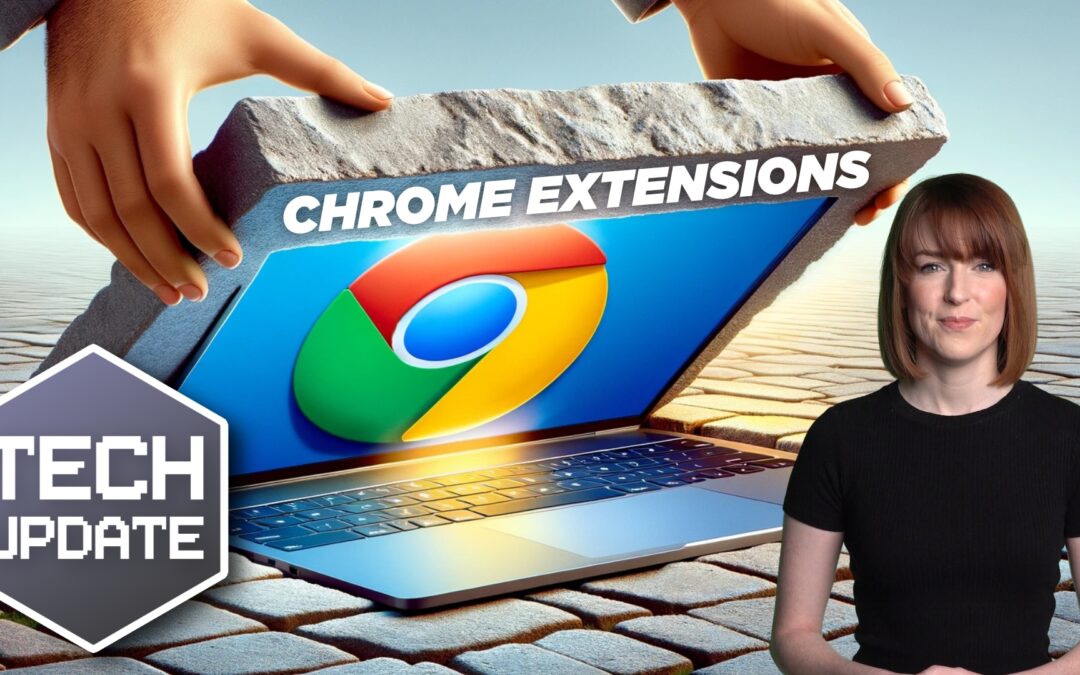
It’s the revamped Chrome Web Store, featuring a fresh design and exciting new features.
Now, if you’re like me, you’ve probably spent more time than you’d care to admit sifting through the Chrome Web Store in search of the perfect extensions for your browser. Those days of endless scrolling and hunting for that elusive add-on are officially over.
First off, they’ve introduced new categories to help you quickly find what you need. Whether you’re shopping, looking for productivity tools, or are just in the mood for some entertainment, there’s a category for you. And the cherry on top? There’s now a dedicated section for AI-powered extensions.
These AI-powered extensions are not to be underestimated. Many of them integrate popular chatbots and even some of the best ChatGPT extensions available. Imagine having your own virtual assistant right in your browser, ready to answer questions, provide recommendations, and assist with various tasks.
And it doesn’t stop there. Google has also included a ‘suggested extensions’ section that tailors recommendations based on what you’ve previously downloaded.
There’s an ‘Editors’ spotlight’ section which promises to showcase up-and-coming extensions you might have otherwise missed.
Navigating the Chrome Web Store has become even more intuitive. The search bar has moved to the top-right corner of the screen, and Google has enhanced its capabilities. You can filter by all items or focus on featured extensions and themes, making it a breeze to find exactly what you want.
In the top-left corner, you’ll find the Extensions tab to dive deeper into add-ons for your browser. Fancy changing the look of Chrome? Simply navigate to the Themes tab. Customisation has never been this easy.
While this new Chrome Web Store update is undoubtedly exciting, let’s not forget about the importance of staying vigilant when it comes to browser security. Here are a few reminders:
1. Monitor downloads to make sure they’re safe and relevant
2. Never download extensions from third-party websites
3. Make sure everyone in your business is aware of and follows the correct security measures.
4. Regularly update Chrome and your extensions and educate your team about the importance of strong passwords and safe browsing practices.
If you’d like help finding even more productivity-boosting tools for your business, get in touch.
There is no escaping the relentless march of AI. Software companies are rapidly incorporating it into many business tools. This includes tools like Microsoft 365, Salesforce, and others.
Many people are still concerned about where AI will go. But there is no denying that it makes certain work more efficient. It can generate custom images on demand. Or write a company device policy draft in seconds.
Staying ahead of the curve often means embracing cutting-edge technologies. Even if you’re a little wary about what the future holds.
Generative Artificial Intelligence (GenAI) is unique from the AI of a few years back. It can create, innovate, and optimize. These functions have become a game-changer for businesses of all sizes.
Leveraging Generative AI, small businesses can unlock a world of possibilities. This includes everything from enhancing customer experiences to streamlining operations.
Have you felt bombarded with AI tool options? Unsure where to begin with leveraging it for your business? Let’s explore some smart and practical ways to incorporate GenAI.
1. Personalized Customer Experiences
Generative AI algorithms can analyze customer data and preferences. Using these, it can create personalized experiences.
48% of customers expect specialized treatment for being loyal to a company.
Some of the ways AI can help you improve customer experience include:
Tailored product recommendations
Customized marketing messages
Custom coupons
Proactive engagement
These things help small businesses enhance customer satisfaction, fostering brand loyalty.
2. Presentations & Graphics Creation
Generating a great sales presentation can be time-consuming. AI tools can automate this process. Microsoft Copilot is one of these. It can take meeting notes and prompts and create a presentation. Including images!
Have you ever had trouble finding a promotional image? Tell Bing’s new AI tool what you need. You’ll get several options, tailored to your description.
Example from Bing powered by DALL-E3 in Edge
AI-driven platforms can produce relevant and engaging graphics. This frees up valuable time and saves money for business owners.
3. Chatbots for Customer Support
AI-powered chatbots on websites and social media platforms are becoming commonplace. This is because they enable small businesses to provide instant customer support. Which is exactly what people expect these days.
These chatbots can handle frequently asked questions. They can also assist with product inquiries and customer transactions.
They help small companies provide round-the-clock help for customers. But without having to pay for extra staff hours.
4. Data Analysis and Insights
Generative AI can process vast datasets to extract meaningful insights. Small businesses can use AI algorithms to analyze important data.
Such as:
Market trends
Customer behavior
Operational data
These insights can inform strategic decision-making. Which helps businesses refine their offerings and marketing strategies.
5. Product Design and Prototyping
AI in product design process allows businesses to explore many design variations rapidly. AI algorithms can generate prototypes and simulations. They do this based on specified parameters. This enables small businesses to visualize products before investing in physical prototypes.
6. Supply Chain Optimization
AI can optimize supply chain operations. It can predict demand, identify inefficiencies, and suggest inventory levels. It takes away the human error component. As well as fees up teams from tedious administrative work.
Small businesses can reduce costs and improve efficiency. AI automates a lot of the supply process. This helps ensure products are readily available when customers need them.
7. Dynamic Pricing Strategies
AI-driven pricing algorithms can help companies make better pricing decisions. Pricing your products and services can be tricky. You don’t want to go too low or too high.
AI helps businesses quickly analyze:
Market trends
Competitor pricing
Customer behavior
These data insights help companies optimize pricing strategies. Small businesses can also dynamically adjust prices based on demand. This maximizes profits while remaining competitive in the market.
8. Human Resources and Recruitment
Generative AI can streamline the recruitment process. The hiring process includes a lot of work reviewing resumes. Many candidates don’t make the interview stage.
AI can help by analyzing resumes and screening candidates for you. It can even help with conducting initial interviews. Small businesses can find the best talent to drive their growth faster.
9. Predictive Maintenance
Downtime on a production line is costly. Proactive maintenance is vital. It’s another area where Generative AI can help.
The technology can predict maintenance needs based on data analysis. It helps businesses avoid costly downtimes. It proactively addresses maintenance requirements. As well as helps to ensure smooth operations.
Unsure How to Get Started with AI at Your Business?
Generative AI opens a world of opportunities for small businesses. It can also add to the complexity of a technology infrastructure.
We can help you use it effectively and affordably. Give us a call today to schedule a chat.
Ever had one of those days where you feel like your inbox is staging a coup against your productivity?
You’re not alone.
In fact, a recent study revealed that 80% of our communications are still happening via email.
Yes, despite all the apps, chat services, and digital tools we have at our disposal, we’re still stuck in our old ways, sifting through an avalanche of emails. It’s a little like using a carrier pigeon in the age of the telephone.
The study also found that employees are wasting precious hours navigating through a maze of apps. Imagine this: Your employee is about to send an important report but gets lost between Slack, Teams, Google Docs, and a dozen other tools. It’s like playing a never-ending game of digital hide-and-seek. And spoiler alert: It’s not fun.
What about video conferencing? That’s got to be better, right? Well, not quite. Sure, it gives us the illusion of being productive, but the truth is, most employees find only three in five meetings genuinely valuable. The rest? Unproductive.
And let’s not forget about the constant need to repeat or clarify ourselves. We’re talking about 74% of workers having to repeat themselves some of the time, with almost a quarter saying this happens often. It’s enough to make you want to scream into the void, isn’t it?
So, what’s the solution?
Well, it’s time to take a step back and rethink your digital strategy.
Instead of piling on more apps and tools, why not work with a technology strategist who can help you create a plan that makes sense for your business? Think of us as the Marie Kondo of the digital world, helping you declutter your digital workspace and sparking joy (and productivity) in your team.
If you’re ready to get away from the endless loop of emails and app notifications and boost your productivity again, let us help.
In a world where technology constantly evolves, Microsoft stands at the forefront. It continues to pioneer innovations. Innovations that transform how we interact with our digital universe.
The fall Windows 11 update is a testament to Microsoft’s commitment to excellence. It’s more than just an upgrade. It’s a leap into the future of computing. Microsoft touts it as “The most personal Windows 11 experience.”
Let’s explore some of the great features that make this update so significant.
Microsoft Copilot: Your Intelligent Partner in Creativity
A standout feature of the fall Windows 11 update is Microsoft Copilot. This AI-driven marvel is like your personal PC assistant.
Need help summarizing a web page? Want to change to dark mode, but forgot how? Looking for a quick custom image for a social media post? Microsoft Copilot can do all that and more.
Copilot is seamlessly integrated into Windows 11. It offers real-time suggestions and turns ideas into reality with remarkable ease. Ask it what you need, and the AI engine gets to work.
Have you ever wished that Windows’ Snipping Tool could do more? This update grants that wish. The Snipping Tool is just one of many to get an AI upgrade.
Look for new capabilities in Paint, Clipchamp, and Photos. Get a unique image from inputting a text prompt and style. The Cocreator tool in Paint makes it easy to jumpstart your creativity. It will generate the image, then you can edit it in the same app.
Microsoft Clipchamp is one of the easiest video creator tools out there. You can now just drag in your assets and clips. Then, click to have the AI engine work its magic to create a video for you.
The new Clipchamp Auto Compose feature can:
Recommend scenes
Make edits
Create a narrative based on your inputs
Easy Data Migration with Windows Backup
When you buy a new computer, moving data can be a pain. It can take hours to move your “pc life” between devices. And there’s always the risk you’ll miss something.
The new Windows Backup feature makes moving between computers easier. You can choose backup options and folders. When ready to move, it’s a simple process. You can restore the new PC from another backed-up PC.
Microsoft Edge: A Faster and More Secure Browsing Experience
Microsoft Edge received significant enhancements. These focus on speed, responsiveness, and security. The Edge Secure Network feature offers more gigabytes. Microsoft increased user storage from 1GB to 5GB. This function encrypts your internet connection to secure data.
Edge Secure Network has many features of a VPN. This is great for extra online security. It’s also helpful for companies trying to prevent breaches from clicks on phishing links.
Save Energy & Battery Power
A feature called Adaptive Dimming is another enhancement of this update. Your screen slowly dims if you’re no longer paying attention. This has the dual benefit of saving energy and helping you refocus.
PC sensors power this feature as well as two others. So, it’s going to be more common with newer computers.
The other two features that use sensors are:
Wake on Approach
Lock on Leave
A More Personal Windows 11 Experience
Beyond the technical innovations, this update brings more. Including a more personal touch to the user experience. Tailored to individual preferences, Windows 11 becomes an extension of the user’s identity.
This includes things like:
Personalized themes
Custom widgets
Intelligent assistants
Every interaction feels curated and intuitive. It makes for a truly personalized operating system.
Other Cool Enhancements
There’s a lot of excitement packed into Windows 11. Here are a few more new features you can explore.
Copilot in Microsoft Shopping: Find what you need fast when shopping online. Bing will provide tailored recommendations based on your requests.
Content Credentials: Add an invisible digital watermark to your AI-generated images in Bing. Cryptographic methods help you tag your work.
Bing Chat Enterprise Updates: Boost work creativity and enjoy multimodal visual search. Find information using only images.
DALL.E 3 Model from Open AI: Use the Image Creator in Bing and you’ll likely be impressed. It’s had an upgrade and uses the DALL.E 3 model to render images from text prompts.
Harness the Power of Microsoft Products
Microsoft is definitely a leader in work productivity tools. And it has been for a long time. If you’re still working like it was 2020, let us help you upgrade. Employees can be more efficient than ever with the right apps.
We’ve got your back with Microsoft 365, Windows 11, and other solutions. Our experts will guide you, so you can gain an edge on the competition.
Lorem ipsum dolor sit amet, consectetur adipiscing elit. Proin non dignissim nulla. Etiam commodo magna quis egestas pulvinar. Phasellus quis ex molestie, feugiat nunc sit amet, viverra massa.